 Cortex
Marketplace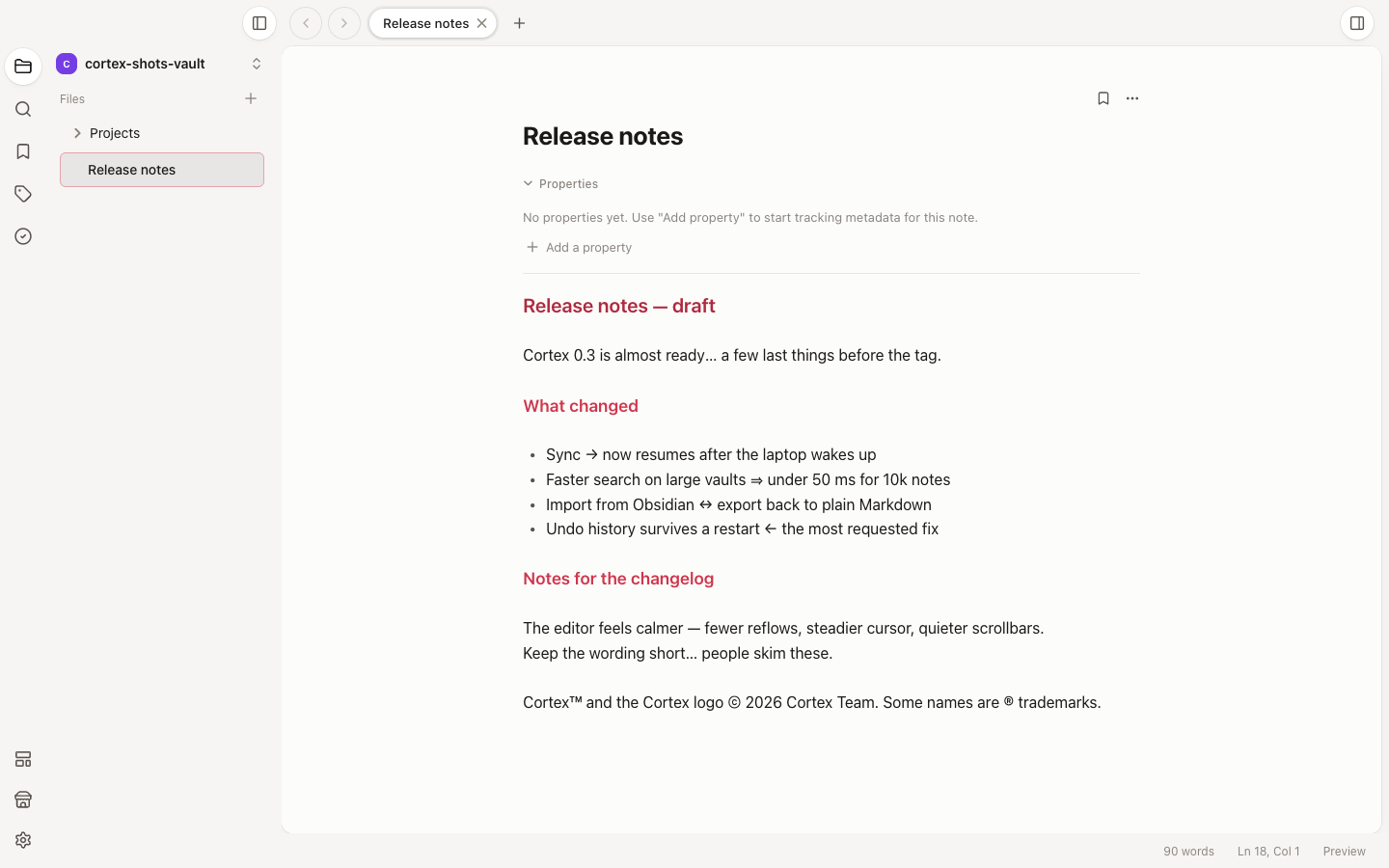
Publishing guide
Smart Typography
Plugin by Cortex TeamShows real dashes, arrows, ellipses and symbols while you type, and can apply them to the file.
Screenshots
Permissions
- Read active editor
editor:read - Read vault files
vault:read - Write vault files
vault:write - Send notifications
notifications
Cortex asks for these before the plugin runs. They apply to the vault you install it in.
README
Smart Typography
Shows real dashes, arrows, ellipses and symbols while you type in Cortex, and can apply them to the file when you want them saved.
| You type | You see |
|---|---|
word -- word |
word — word |
Wait... |
Wait… |
-> <- <-> => |
→ ← ↔ ⇒ |
(c) (r) (tm) |
© ® ™ |
How it works
- While you write, the replacements are only displayed. Your Markdown file keeps the plain characters, so it stays portable to every other editor.
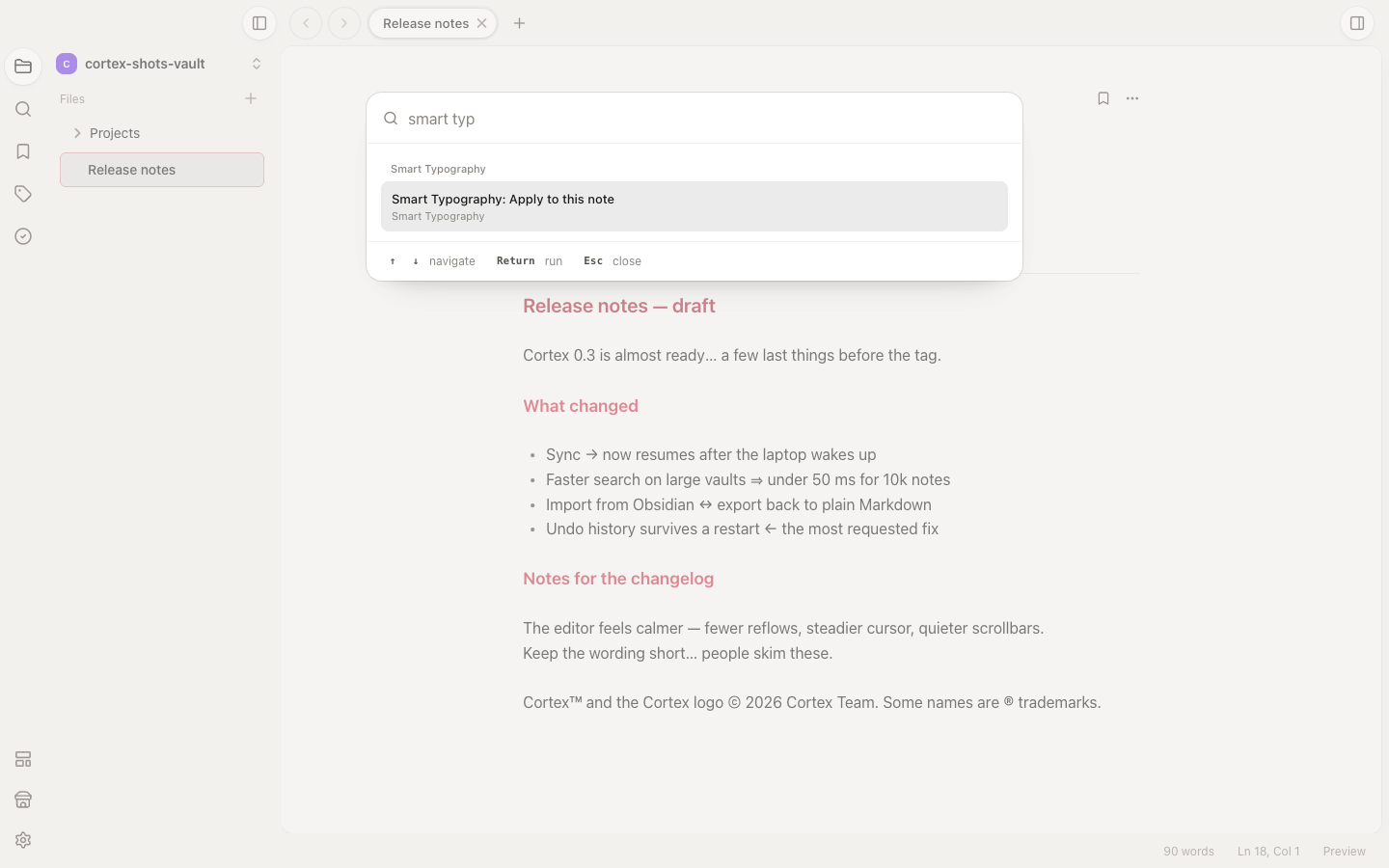
- Smart Typography: Apply to this note (command palette) or Apply smart typography (file context menu) writes the replacements into the file.
- Code blocks, inline code, indented code, frontmatter, HTML comments (
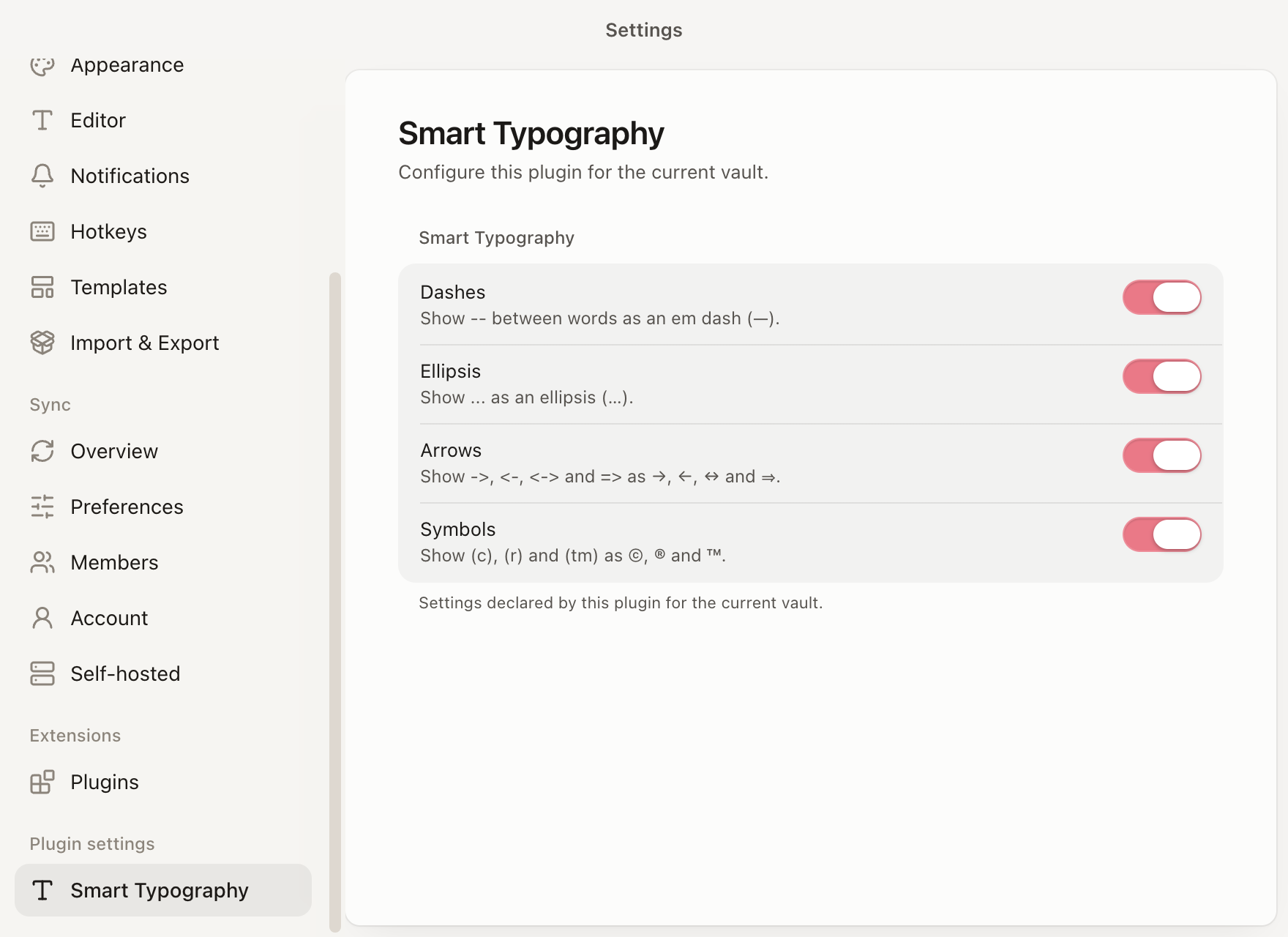
<!-- -->), table separators and horizontal rules are never touched. - Each group (dashes, ellipsis, arrows, symbols) can be turned off in Settings → Plugins → Smart Typography.
Permissions
| Permission | Why |
|---|---|
editor:read |
Find the note that is open when you run the command |
vault:read |
Read the note before applying the replacements |
vault:write |
Save the note with the replacements applied |
notifications |
Tell you how many lines changed |
The live preview replacements need no permission.
Develop
bash
bun installcortex dev --vault ~/Notescortex dev builds the plugin, installs it into the vault (<vault>/.cortex/plugins/smart-typography)
and rebuilds on every change.
Release
bash
cortex checkcortex release patchLicense
MIT
Comments
Comment on GitHubNo comments yet. Reviews, questions and feedback live in its GitHub discussion.
Made a plugin or theme?
Run cortex submit from its repository. After a review it’s listed here, with its own thread for votes.